PublicationGod › Graphical abstract guide
What is a graphical abstract?
A graphical abstract is a single image that summarizes the main finding of a research paper at a glance. It sits next to the written abstract and lets readers judge in seconds whether a paper is relevant to them. Elsevier calls it a graphical (or visual) abstract and says authors can either reuse a concluding figure from the paper or create a new image.
Where it appears depends on the publisher. Elsevier shows it in ScienceDirect search results, in the contents list and in the online article, but typically not in the PDF. Cell Press also places it on the PDF cover. Formats and definitions differ between publishers, so follow the instructions of your target journal.
Why use a graphical abstract?
- Faster relevance check. Readers browsing search results or a contents list see the key message without opening the paper.
- Interdisciplinary reach. A picture travels across fields where specialist vocabulary does not.
- Visibility. Cell Press notes that the image is often shared on social media and shapes the first impression of a paper. Elsevier cites research linking graphical abstracts to more article views and more social media activity.
- Reusable material. The same image works for talks, posters, grant applications, lab web pages and press offices, not only for the journal submission.
Journals are increasingly asking for graphical abstracts. Requirements differ per title, so check the guide for authors before you start.
Graphical abstract requirements: Elsevier vs. Cell Press
| Element | Elsevier | Cell Press |
|---|---|---|
| Size | At least 1328 × 531 pixels (width × height); larger images keep the same 5:2 ratio | 1200 × 1200 pixels, square |
| Resolution | At least 300 dpi | 300 dpi |
| File types | TIFF, EPS, PDF or MS Office files | TIFF, PDF or JPG (PowerPoint files are not accepted) |
| Fonts | Legible when the image is reduced (see Elsevier’s guide for details) | Arial, 12–16 pt |
| Text | Any text must be inside the image | Simple labels and sparing text; avoid jargon and repeating your Highlights or eTOC blurb |
| Where it appears | ScienceDirect search results, contents list and online article; typically not in the PDF or in print | Online and on the PDF cover; often shared on social media |
| Delivery | Upload as a separate file in the online submission system | Deliver the final file without white borders or large white margins |
Other journals set their own specifications. Check the guide for authors of your target journal before you design or generate anything.
AI-generated graphical abstracts and journal policy
Check the journal’s AI policy before you submit an AI-generated image. Elsevier states that generative AI may not be used to create or alter images in submitted manuscripts, and it says graphical abstracts may not be AI-generated. Other publishers have their own rules, and these rules change.
AI-generated graphical abstracts are still useful where no such rule applies: preprints, posters, talks, grant applications, lab and institute web pages, social media, and as a layout draft that you or a designer redraw by hand. Whatever you use the image for, verify every label and declare its origin openly.
How to design a graphical abstract in 8 steps
- Pick one take-home message. If your paper has five results, the graphical abstract shows the one you want readers to remember.
- Show your own results, not background. Leave out prior literature and anything you did not measure (Cell Press advises highlighting new findings and omitting background).
- Give it a clear flow. Let it read left to right or top to bottom, from question or intervention to result. Both Elsevier and Cell Press recommend this.
- Keep text to a minimum. Use short labels instead of sentences and a readable sans-serif font. Keep abbreviations and Greek letters exactly as in the paper.
- Avoid data, clutter and caricature. No jargon and no cartoon animals. Cell Press explicitly advises against caricatures, especially of animals.
- Do not repeat your abstract or highlights. The image should offer a visual way into the paper, not restate the text.
- Match the journal’s format. Check size, ratio, resolution and file type (see the table above) and get permission for any third-party material.
- Test it small. Shrink it to thumbnail size and ask a colleague from another field what the paper is about. Fix whatever they cannot read or understand.
Create a graphical abstract with PublicationGod (AI generator)
PublicationGod generates a graphical abstract from your manuscript and lets you refine it. It follows the same principle as the steps above: radical simplification to one core message, with at most one or two findings shown.
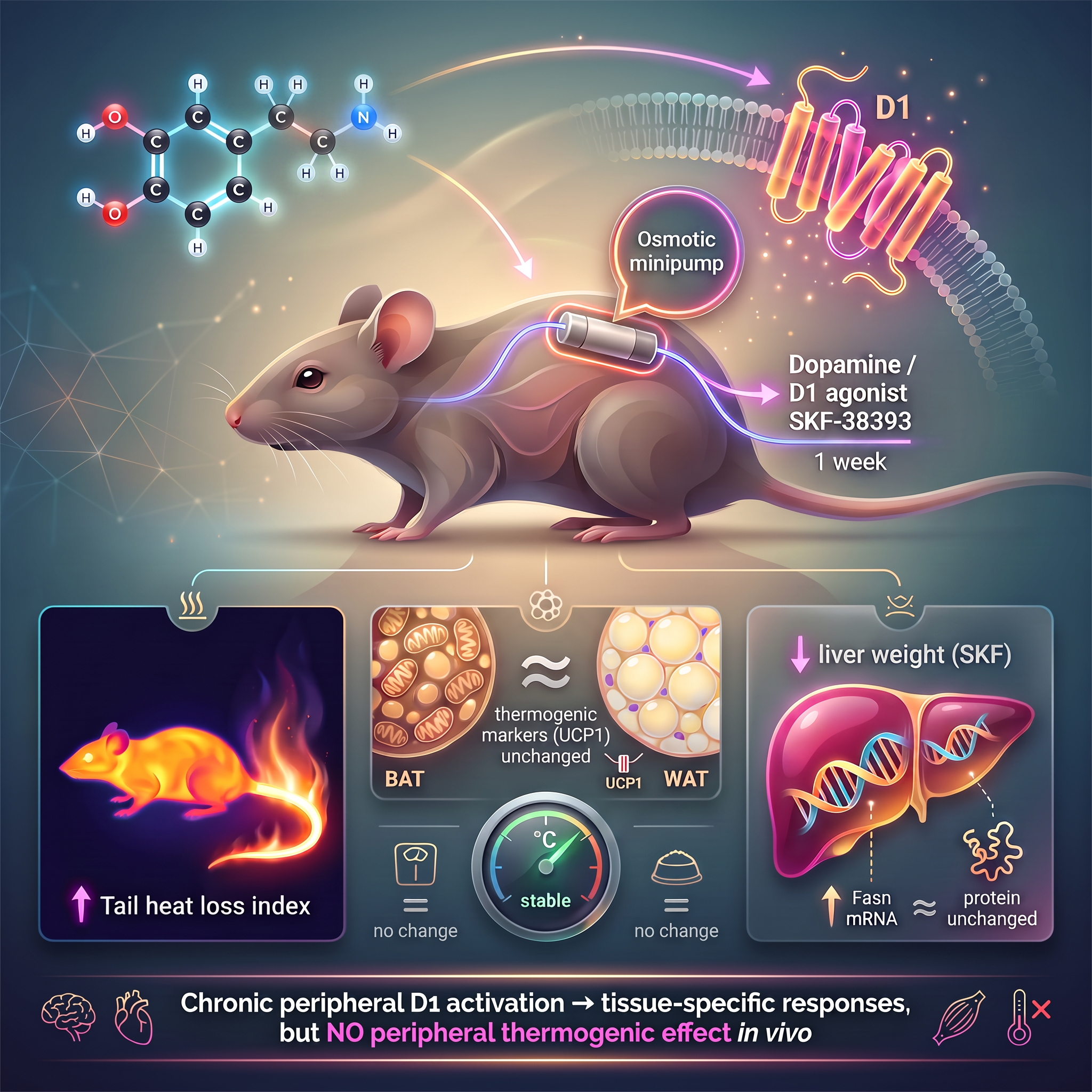
Three ways to start
- From a finished PDF (presubmission feature). Upload your manuscript PDF on the Review page, confirm the upload declaration and press Graphical Abstract. PublicationGod reads the PDF, works out the take-home message and builds the image. The result is temporary: it downloads automatically and is deleted from the server after about three hours.
- From your PublicationGod project (your own manuscript). Once title, abstract, results and discussion are confirmed, the Export tab builds the graphical abstract from them. It is saved with the project and included in your export ZIP.
- From a Comprehensive Review of your library. A graphical summary shows the main themes of your literature collection, how they relate and where the open questions are. It is stored with the review and is not part of the project export.
Options
| Option | Choices |
|---|---|
| Style | Clean, scientific (restrained, plenty of white space) · Comic, intermediate (hand-drawn look in warm cream and gold) · Fancy, promotional (glossy, dramatic lighting, richer decoration) |
| Aspect ratio | 16:9, 4:3, 1:1 or 3:2 |
| Extra instructions | Free text, for example “focus on the liver” |
| Refinement | Describe a change in plain words. Each refinement costs half the price of a generation. The number of refinements per image is limited, and unused ones stay with the image until you regenerate |
| Output | Image generated at 2K resolution |
For Cell Press’s square format choose 1:1. Elsevier’s wide 5:2 ratio is not offered; the closest option is 16:9, which you may need to crop.
How it works and what to check
- Two AI steps. A language model (Claude, hosted in the EU) reads your material, picks the core message and writes an image brief. The image model Nano Banana Pro (Google Gemini 3 Pro Image) then draws it.
- What goes to the image model. Only the image brief, a short description of your title and key claims. Raw data and full text are not sent to it. The image model runs on a Google endpoint that is not restricted to the EU, so only this short brief leaves the EU region.
- Provenance. Every image carries an invisible SynthID watermark, and Google claims no ownership of generated images. You are responsible for checking the image and for declaring its origin, for example “generated on publicationgod.com with Nano Banana Pro”.
- Check every label. Image models can misspell words or distort symbols, especially after several refinements. PublicationGod asks the model to keep existing text unchanged when you refine, but this is not guaranteed.
- Cost. A graphical abstract costs 10,000 Credits by default, and a refinement costs half of that. The price is shown before you generate. No credit card is needed to register.
Turn your manuscript into a graphical abstract
Upload a PDF, pick a style and download the result. Review the image, check every label and declare how it was made.
Create a graphical abstractNew here? Register for free. No credit card needed.
Frequently asked questions
What size should a graphical abstract be?
It depends on the journal. Elsevier asks for at least 1328 × 531 pixels at 300 dpi, in a wide 5:2 ratio. Cell Press asks for a square image of 1200 × 1200 pixels at 300 dpi. Always check the guide for authors of the journal you are submitting to.
Is a graphical abstract required?
Not universally. Elsevier says journals are increasingly asking for graphical abstracts and tells authors to check the journal’s guide for authors. Where it is optional, a clear graphical abstract can still help readers find and understand your paper.
Can I use AI to create a graphical abstract?
Technically yes, but check the journal first. Elsevier does not permit generative AI for graphical abstracts, and other publishers have their own policies. AI-generated images work well for many other uses, such as preprints, posters, talks and grant applications. Verify every detail and declare the origin openly.
What is the difference between a graphical abstract and a visual abstract?
Elsevier uses the two terms interchangeably. Other publishers and journals may define the format differently, so follow the instructions of the journal you are submitting to.
How do I make a graphical abstract from my PDF with PublicationGod?
Register for free, open the Review page, upload your manuscript PDF, confirm the upload declaration and press Graphical Abstract. Choose a style and an aspect ratio, add optional instructions and generate. The image downloads automatically, and you can refine it a limited number of times.
What happens to my uploaded PDF?
The PDF is stored temporarily on a server in Germany and sent via HTTPS to a language model in an EU region for analysis. It is not used for AI training under the applicable API agreements. The file is deleted automatically after 30 minutes (hourly cleanup, at the latest within about 90 minutes), and the generated image is deleted after about three hours.
Related guides
- AI peer review: DFG guidelines and a pre-submission check
- Journal author guidelines, summarized
- Is AI use allowed? How PublicationGod handles disclosure